Short answer: VEED.io is worth considering if you want a fast, browser-based video creation platform for social content, marketing videos, subtitles, translations, and AI-assisted editing. It is especially useful for creators and teams that care more about speed, captions, brand consistency, and easy collaboration than advanced Hollywood-style timeline control.
What Is VEED.io?
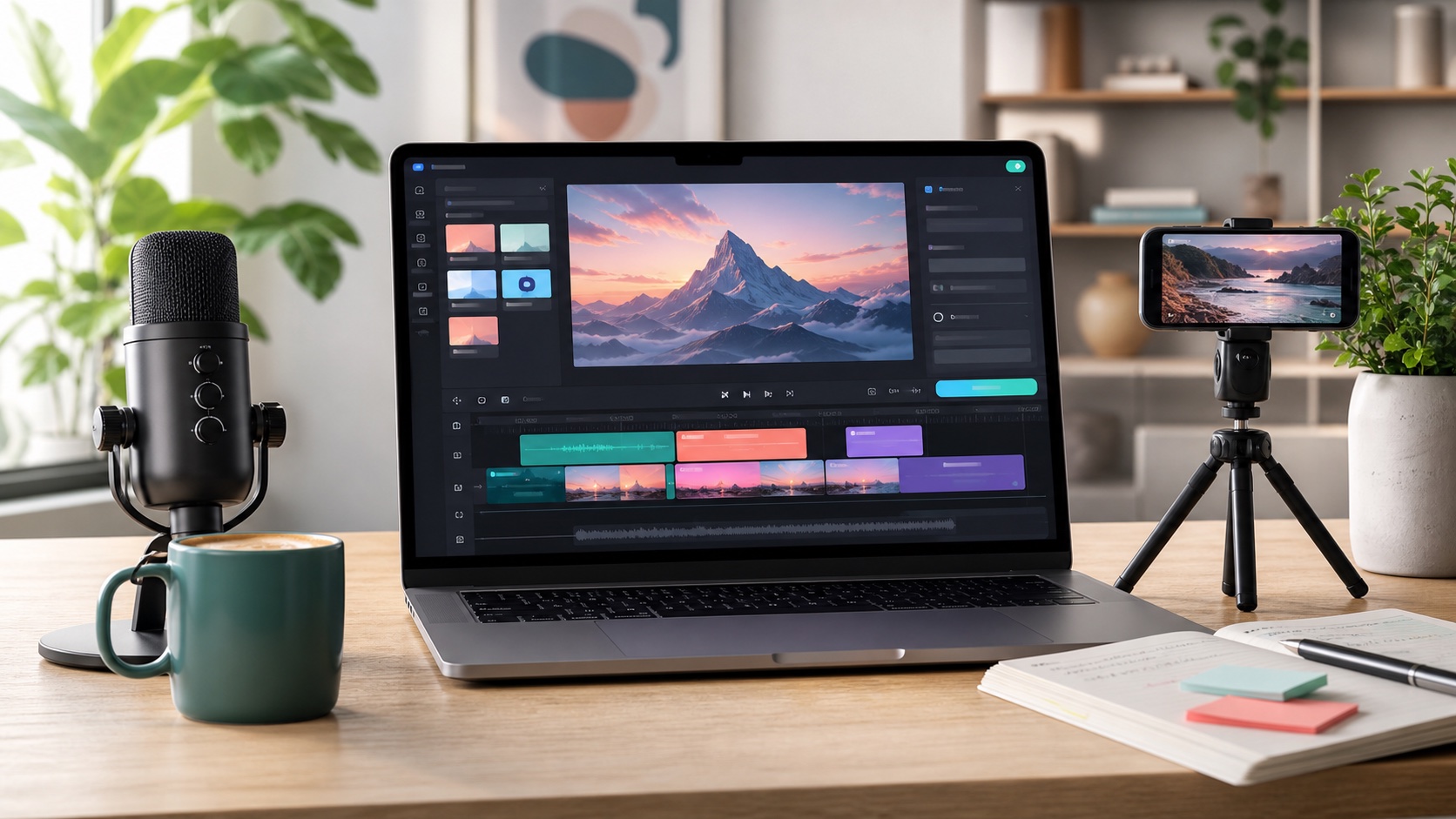
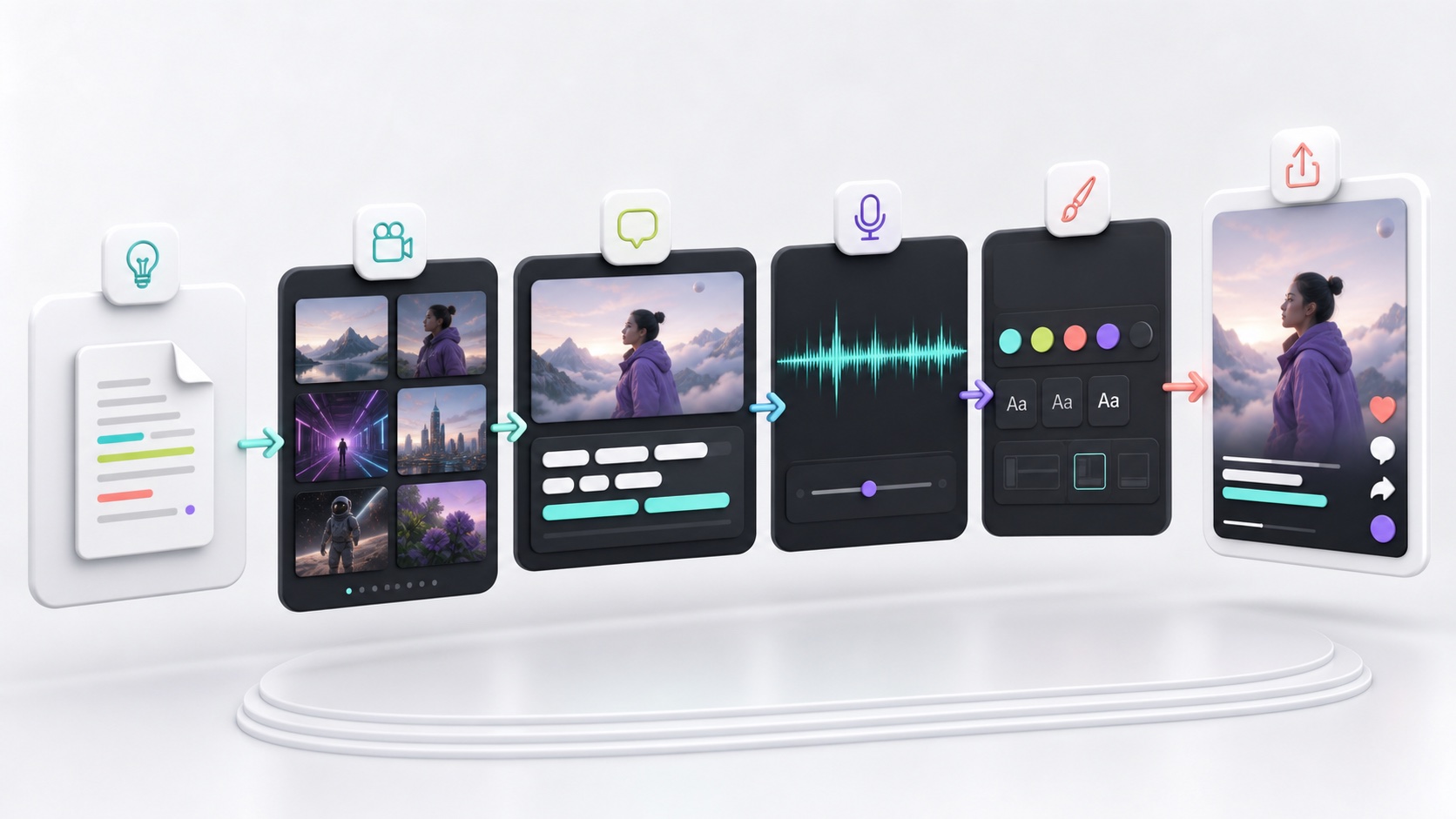
VEED.io is an online AI video creation and editing platform. Instead of downloading desktop software, you work in a web browser: upload or generate footage, edit clips, add captions, clean audio, resize for social platforms, translate videos, and export finished content. VEED positions itself around an idea-to-video workflow, which makes it attractive for marketers, solopreneurs, educators, coaches, agencies, and social media teams.
The platform is not just a basic editor. VEED now combines traditional video editing with AI tools such as text-to-video generation, AI avatars, voiceovers, subtitles, dubbing, script-based editing, background removal, noise reduction, eye contact correction, and social-ready resizing. That makes it more like a lightweight production studio than a simple trimming tool.
Who Should Buy VEED.io?
VEED.io is a strong fit for creators and businesses that publish video often but do not want a complicated production stack. If your week includes TikTok, Instagram Reels, YouTube Shorts, LinkedIn videos, product demos, podcast clips, online courses, internal training, webinars, or UGC-style ads, VEED can save time.
- Solo creators can use VEED to record, edit, caption, and export social videos without hiring an editor.
- Small businesses can turn product images, scripts, webinars, or customer education ideas into polished videos faster.
- Marketing teams can keep videos on-brand with templates, captions, logos, fonts, and collaborative review workflows.
- Coaches and educators can create lesson clips, explainer videos, subtitles, and translated content for wider reach.
- Agencies can use VEED for quick client revisions, social cutdowns, caption styling, and repeatable video formats.
VEED may not be the best choice if you need deep color grading, advanced motion graphics, heavy multi-camera editing, or complex cinematic post-production. For those workflows, software such as Adobe Premiere Pro, DaVinci Resolve, or Final Cut Pro still gives more control. VEED’s advantage is speed, accessibility, and AI workflow consolidation.
Best VEED.io Features for Buyers
1. AI video generation. VEED lets you generate videos from text, scripts, or images, then continue editing in the same platform. For marketers, that means you can move from a campaign idea to a rough video draft quickly, then refine the script, visuals, captions, and branding.
2. Auto subtitles and captions. VEED is well known for automatic subtitles. Its subtitle tool supports 125+ languages and lets you edit subtitle text, timing, style, animation, and export formats such as SRT, VTT, or TXT depending on your plan. This is a major buying reason because many viewers watch social video without sound.
3. Video translation and dubbing. For brands targeting the US, UK, Canada, Europe, Australia, or international markets, translation matters. VEED’s video translator supports 125+ languages and can generate translated subtitles or AI dubbing. This helps repurpose one video into multiple markets without starting from scratch.
4. Social resizing. A single video often needs several formats: 16:9 for YouTube, 9:16 for Shorts/Reels/TikTok, 1:1 for feeds, and sometimes LinkedIn-friendly dimensions. VEED’s resizing tools are useful if your team publishes across multiple channels.
5. Brand controls. Paid users can benefit from brand-related tools such as custom fonts, logos, colors, watermarks, and reusable templates. This matters for teams that want every video to look consistent without rebuilding the same styles over and over.
6. Audio cleanup and polish. AI noise reduction, voice tools, subtitles, and fast cuts help turn ordinary recordings into publishable content. If your raw material comes from Zoom calls, webinars, phone recordings, or quick product demos, these tools can improve quality with less manual work.
VEED.io Pricing: How to Choose a Plan
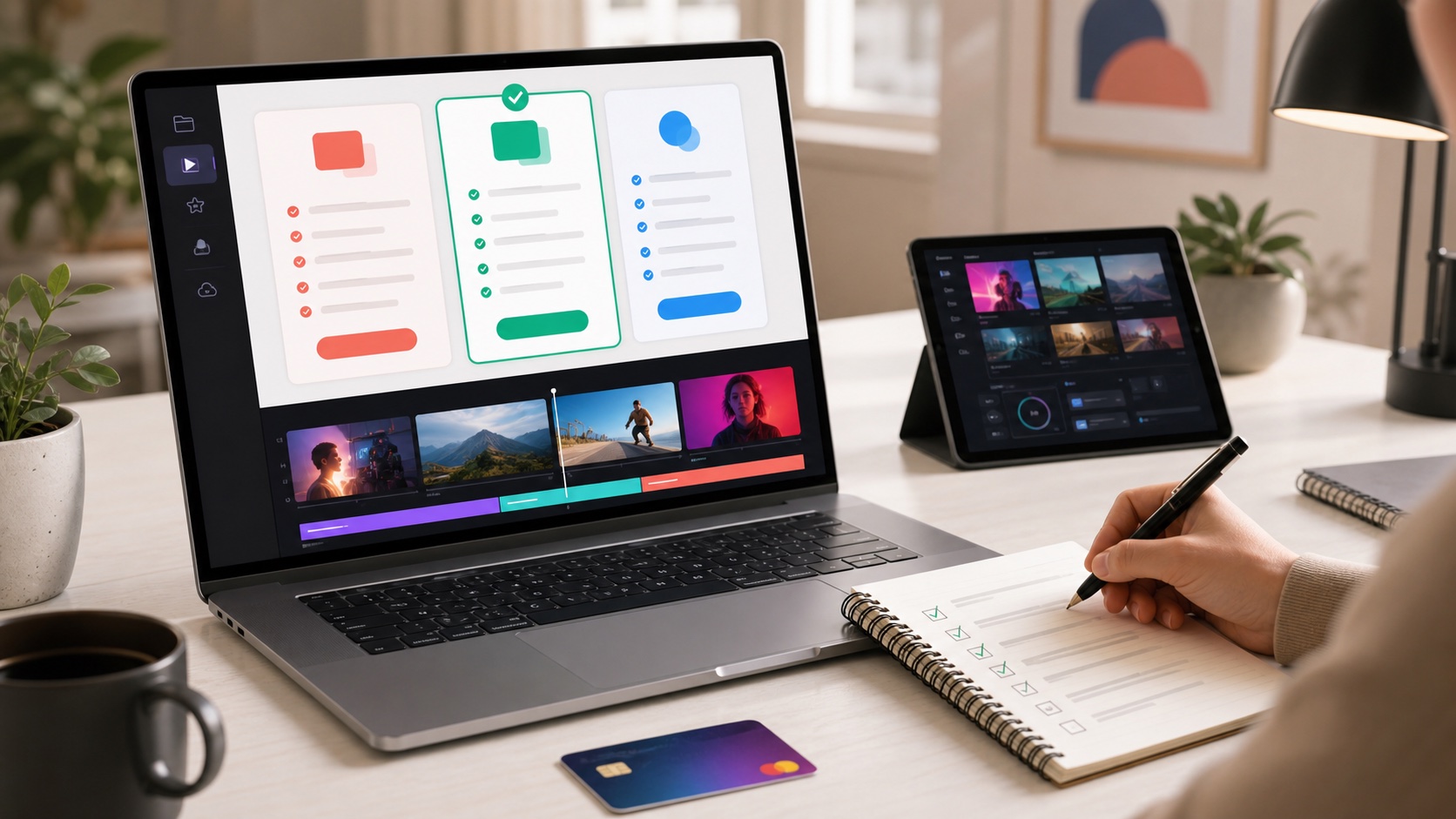
VEED offers a free starting point and paid plans with different export, watermark, AI credit, subtitle, translation, storage, and team limits. Because pricing, plan names, and allowances can change by region and billing cycle, check the live VEED pricing page before buying.
Use this buying logic:
- Choose the free plan if you only want to test the editor, try simple captioning, or see whether the workflow feels right. Expect limits and watermark restrictions.
- Choose an entry paid plan if you publish regularly and need watermark-free exports, better quality, longer projects, or more practical subtitle usage.
- Choose a creator or pro-style plan if you rely on AI tools, brand assets, subtitle downloads, social resizing, or frequent exports.
- Choose a business or team plan if multiple people need shared workspaces, brand kits, review features, higher limits, or more professional collaboration.
- Talk to sales if you need enterprise controls, SSO, security reviews, custom limits, multiple workspaces, or large-scale localization.
The most important thing is not the headline monthly price. Buyers should compare the features they will actually use: watermark removal, export quality, AI credits, subtitle and translation limits, upload limits, storage, brand kit access, team seats, and support.
What Makes VEED.io Different?
The biggest advantage is that VEED brings many jobs into one browser workflow. A creator might otherwise use one tool for recording, another for captions, another for translation, another for resizing, another for background removal, and another for final editing. VEED reduces that tool switching.
That matters for Western creators and marketing teams because speed is often the bottleneck. The content calendar does not wait for a perfect edit. If VEED helps you publish three good videos per week instead of one over-edited video every two weeks, the subscription can pay for itself in saved time and faster audience testing.
Pros and Cons
Pros
- Easy to use in a browser, with no heavy software installation.
- Strong subtitle, caption styling, transcription, and translation tools.
- Useful AI video generation, voice, avatar, and editing features.
- Good fit for social videos, product demos, training clips, and marketing content.
- Helpful brand and collaboration features for teams.
Cons
- Advanced editors may find it less powerful than full desktop video suites.
- AI generation and translation limits depend on plan allowances and credits.
- Browser-based editing can depend on internet connection and file size.
- Pricing details should be checked carefully before upgrading.
VEED.io vs. Traditional Video Editors
If your goal is high-end filmmaking, VEED should not replace a professional desktop editor. But if your goal is frequent business video, educational content, social clips, translated captions, and fast campaign testing, VEED is often more practical. The platform is built for people who want publishable output quickly rather than total technical control.
A good way to think about it: desktop editors are best for maximum precision; VEED is best for fast content operations. Many creators can use both. For example, you might produce a polished brand video in Premiere Pro but use VEED for subtitles, social cutdowns, repurposed webinar clips, and localized versions.
Buying Checklist Before You Subscribe
- How many videos do you publish each month?
- Do you need watermark-free exports?
- Will you use AI generation, avatars, or voice tools regularly?
- Do you need subtitle files such as SRT or VTT?
- Do you translate content into multiple languages?
- Do you need brand fonts, colors, logos, and templates?
- How many team members need access?
- What export quality do you actually need: 720p, 1080p, or 4K?
If you answer “yes” to subtitles, branding, translation, and frequent social exports, a paid VEED plan is easier to justify. If you only edit one short personal video occasionally, start free and upgrade only when limits get in your way.
Final Verdict: Is VEED.io Worth It?
VEED.io is worth it for creators, marketers, small businesses, and teams that need to create polished videos faster. Its strongest value is not one single feature; it is the combination of AI generation, editing, subtitles, translation, dubbing, branding, resizing, and online collaboration in one place.
For buyers in the US, UK, Canada, Europe, and other English-speaking markets, VEED is especially useful if your content strategy depends on short-form video, accessibility, multilingual reach, and consistent brand output. Start with the free plan, test the exact workflow you care about, then upgrade only when you know which limits matter to your production schedule.
Best for: social media creators, ecommerce brands, coaches, educators, marketing teams, agencies, and businesses producing repeat video content.
Not ideal for: advanced cinematic editing, heavy motion graphics, or users who only need occasional one-off edits.
Visit VEED.io to compare plans and start testing the editor.

